Weekly Reflection #3: Stop Motion
What is Stop Motion?
Stop motion is the art of creating a film that uses only pictures. When creating stop motion, you take pictures of objects and only move them slightly between each picture; then, when you put them all together, it will look like it is moving. I think that stop motion is a creative way to tell a story, and it can bring any idea a student has to life. In a classroom, it lets the students have creativity, teamwork if it is done in groups, and storytelling while helping them learn how to use different technology.
Equipment and Time Needed
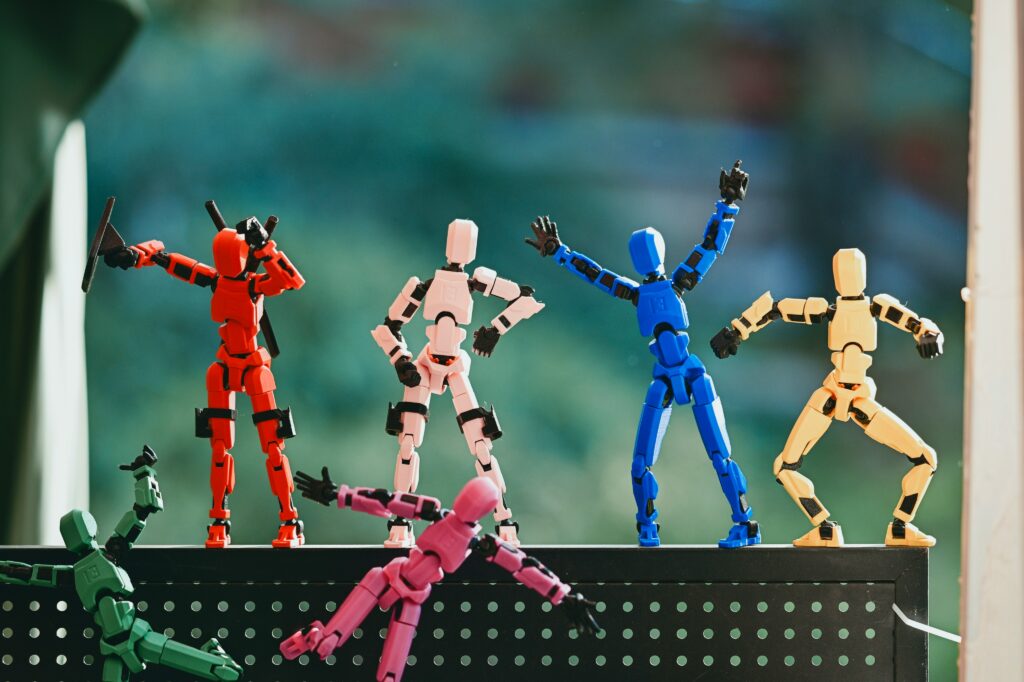
The equipment you may need for creating a stop motion video includes a background that supports the theme of your video, and characters that will bring your vision to life. You will also need a camera or a device to take pictures of each movement, a tripod or something to hold the camera steady, and good lighting that won’t change between pictures. Other useful equipment includes props, art supplies, and editing software to put it all together and turn it into a video.
The amount of time needed for a stop motion video depends on how long and detailed you want your video to be. If you want a short video that is only a couple of seconds long, you only need about an hour or two to plan it out and set everything up, then start taking your photos and edit. This kind of video may not be the most detailed. If you want a very detailed video, this may take a couple of days or weeks to make sure that everything flows very nicely.
This Video my group and I made was a very short video that we made when we were just trying to figure out the app stop motion. I believe that we took about 45 pictures, and that only made a 9-second video. This shows you need lots of pictures to make a longer video.
Classroom Experience
I went into a grade 5 classroom, and we did a whole stop motion project with the students. When doing this project, we had to figure out how to manage the group of students and how to navigate using the school iPads and a new app that I haven’t used before. We started by giving out jobs to the students because this keeps them focused and happy that they have a special part in the project. We let the students pick what they wanted to do because I think that the students have the best ideas.
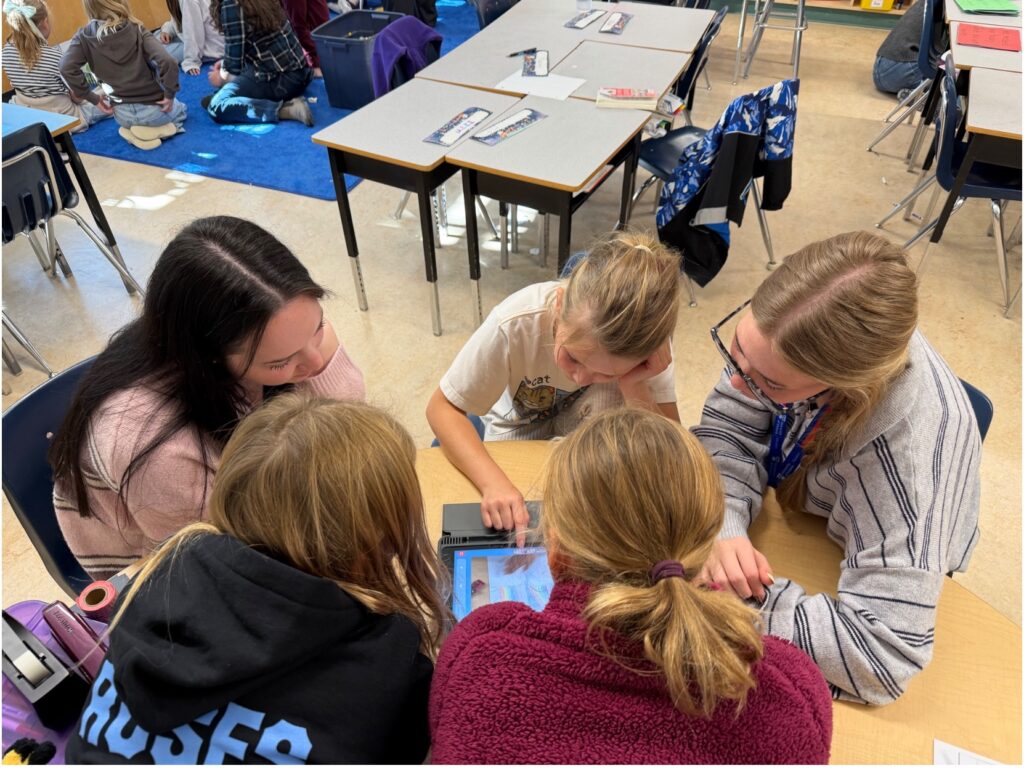
Our group decided that we were doing three characters and that they were dancing and rolling around a rainbow; then they ended up falling off the rainbow and falling down a waterfall, and ended up building a bridge and helping each other out. This was all done on the background that the students hand-drew; the bridge was made out of LEGO. The characters were 3D printed that the classroom teacher supplied us with.
One of the challenges that we faced during this experience in the classroom was navigating the new app, and we didn’t expect the challenges of the iPad and how each student wanted to be on it at once. We figured out the app quite quickly, and we ended up liking the app because it would show you the last picture you took, so it was easier to keep it in the same spot. We ended up explaining to the students that only one person was allowed on the iPad at once so that we would edit the video properly. Our group was really good and let everyone have a chance with the iPad. The students’ video turned out really good for the short amount of time that we did have, and the best part is that the students had a lot of fun doing it.